Start with your character
Upload a facial reference, or describe the character you have in mind. Choose the world they belong in.
A character worth keeping
The face you know. The gear you chose. The next adventure.
Build character art that carries your story forward.
Made for storytellers, players & worldbuilders
Start with a portrait or an idea.
Choose the details of your character.
Save, revisit, and imagine what’s next.
01 / The character drift comparison
By the final ChatGPT scene, Elias has lost his spear and gained a satchel. That’s character drift. Follow both versions through six scenes to see how his equipment changes.
Compare his face, blue cloak, leather armor, spear, and the hat introduced along the way.
Hood up; seated with a tankard. The spear rests beside him.
Bareheaded and standing. Blue cloak, buckled leather armor, and spear.
ChatGPT and Character Builder used the same six scene prompts shown here. Compare each result with the original reference to see what changes in identity and equipment along the way.
02 / Build the next version
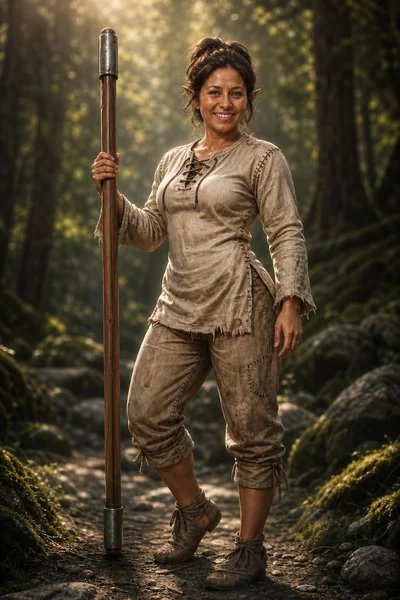
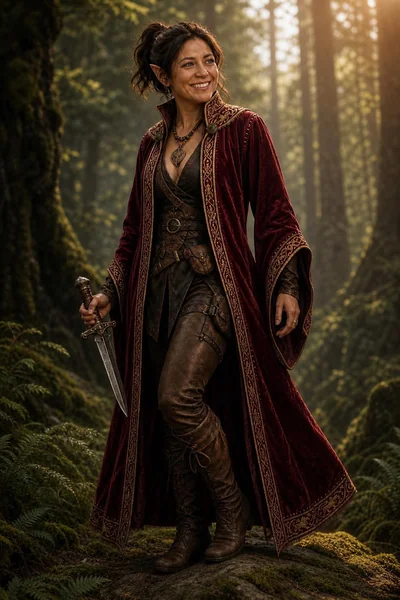
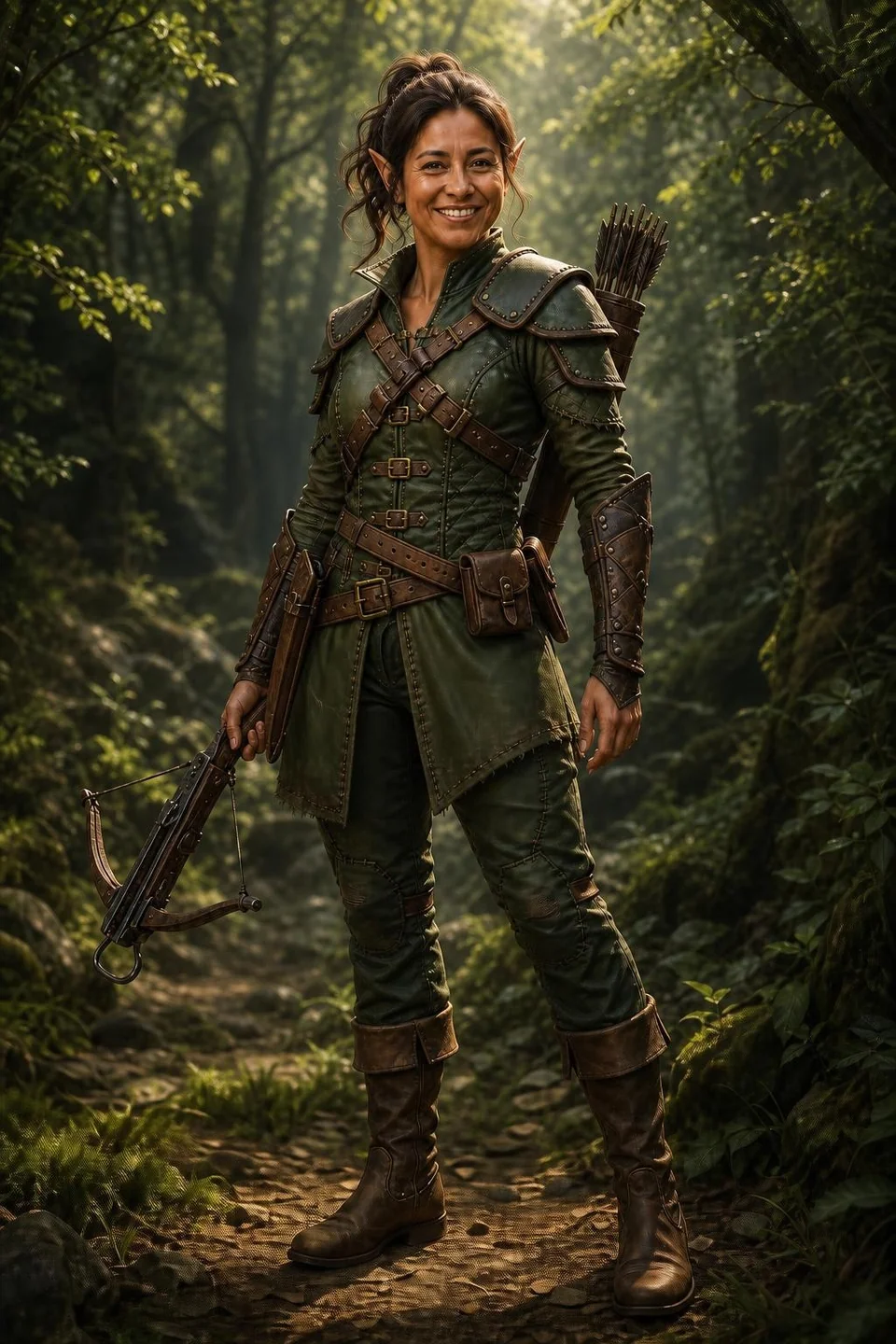
From a peasant’s outfit and quarterstaff to Ranger’s Garb and noble robes. Explore three looks for the example character, with clothing and equipment that tell a different story.
03 / The references behind the details
These are the gear references behind the example character’s looks: a quarterstaff, noble robes, a peasant’s outfit, Ranger’s Garb, a crossbow, and a quiver. Your selected gear images guide generation alongside your character reference to help keep the equipment recognizable.
Wooden shaft & metal caps
Burgundy fabric & gold trim
Simple fabric & worn hems
Green layers & leather straps
Wood, bow & metalwork
Colors, straps & rivets
Character Builder asks the image generator to preserve each selected item’s shape, materials, colors, and design, while fitting it naturally to your character. Save your setup and reuse those gear references in the next scene to help reduce equipment drift.
Choose your gear04 / From an idea to an adventure
Upload a facial reference, or describe the character you have in mind. Choose the world they belong in.
Pick armor, weapons, and accessories from the gear library. Their images guide the equipment’s appearance; your description shapes the scene.
Generate your character and save the setup to your library. Reuse the same gear references, or choose new equipment for the next chapter.
Your next adventure starts here
One character. A world of possibilities.